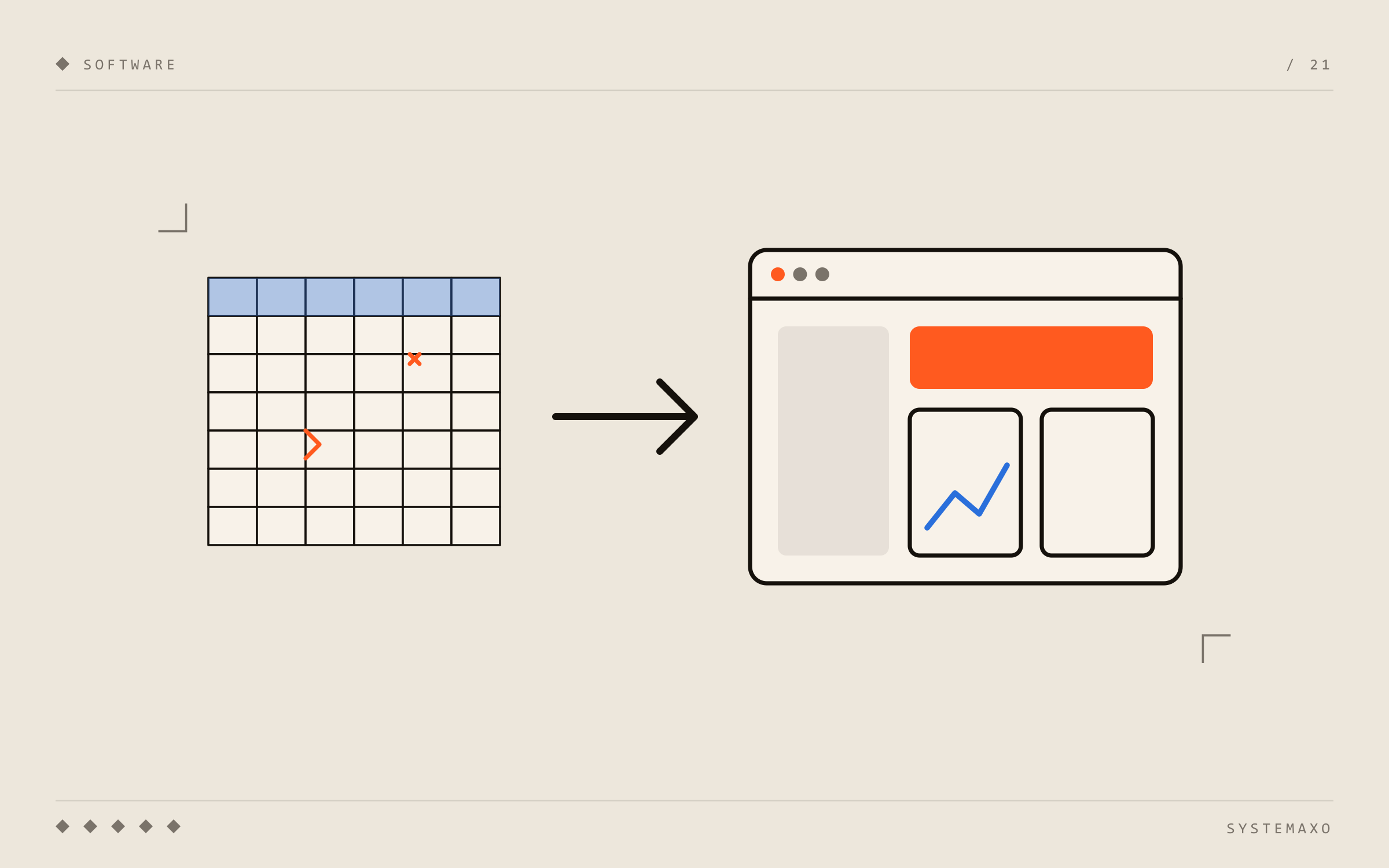
Excel is probably the most useful tool ever invented for a business. That’s why almost every company starts there: one sheet for customers, another for orders, another for schedules, another for quotes… And it works. Until it doesn’t.
This article is for when you feel the spreadsheet is running you, not the other way round.
Signs Excel is no longer enough
- There are several versions of the same file (“orders_final_v3_GOOD.xlsx”) and nobody knows which one is right.
- Only one person understands how the sheet works. If they go on holiday, the process stops.
- You copy data by hand from one spreadsheet to another, or into the invoicing software.
- Formulas break when someone inserts a row or pastes in the wrong place.
- Several people need to edit at once and overwrite each other’s changes.
- Field staff (sales reps, technicians, drivers) have to call the office to check or record something.
- There’s no history: you don’t know who changed a value or when.
- Pulling a report costs you a morning of filters and pivot tables.
If three or more sound familiar, you’re probably losing quite a few hours a week.
The alternatives, from least to most effort
You don’t always need custom software. The options, by effort:
1. Tidy up the spreadsheet you already have
Sometimes it’s enough to merge files, move them to the cloud (Excel online or Google Sheets) so everyone edits the same version, protect formula cells and add drop-down lists. It’s free and takes an afternoon.
Works if: the process is simple and few people use it.
2. An off-the-shelf tool
For very common processes there are ready-made tools: invoicing, CRM for sales, time tracking, project management… You pay a monthly fee and start using them within days.
Works if: your process is the same as most companies’ and you can adapt to how the tool works.
3. Custom software
An application built around how your company works: your fields, your statuses, your permissions, connected to the tools you already use. It makes sense when the process is specific to your business, when off-the-shelf tools force you to juggle, or when several tools need to talk to each other. If you’re not sure what it means exactly, see what is custom software.
Works if: the spreadsheet is the heart of your operations and no standard tool fits.
How to make the switch, step by step
The biggest fear about leaving Excel isn’t the cost — it’s that the change goes wrong and the business grinds to a halt. That’s why order matters.
1. Start with a single process
Don’t try to replace every spreadsheet at once. Pick the one that wastes the most time or causes the most errors, and start there.
2. Understand how it’s really used
Before designing anything, sit down with the people who use the sheet every day. There are almost always columns nobody looks at, steps done “on the side” and tricks that aren’t written down anywhere. That’s where the most valuable information is.
3. Import the data you already have
Your customers, orders or history aren’t lost: they’re cleaned up (duplicates, inconsistent formats, empty cells) and imported into the new tool. Spreadsheets are usually messier than they look, and this step leaves everything clean.
4. Run both for a few weeks
For a short time, the new tool and the spreadsheet can run side by side to check everything matches. Once the team trusts the new one, the spreadsheet is archived.
5. Keep exporting to Excel
It’s a good idea for the new tool to export to Excel. That way, anyone who needs a one-off analysis with their usual pivot tables can still do it — with reliable data and without touching the original.
What you gain by leaving spreadsheets behind
- A single version of your data, updated in real time and accessible from your phone.
- Fewer errors: fields validate themselves and nobody breaks a formula.
- Permissions: each person sees and edits only what they should.
- History: you know who changed what and when.
- One-click reports instead of a morning of filters.
- Automation: alerts, quotes or reports that generate themselves. If that’s you, see how to automate quotes.
Want to stop depending on spreadsheets?
At Systemaxo we help businesses replace spreadsheets with custom web applications and connect and automate the tools they already use. Tell us what you do in Excel today and we’ll tell you honestly whether you should tidy it up, use an off-the-shelf tool or build something custom.