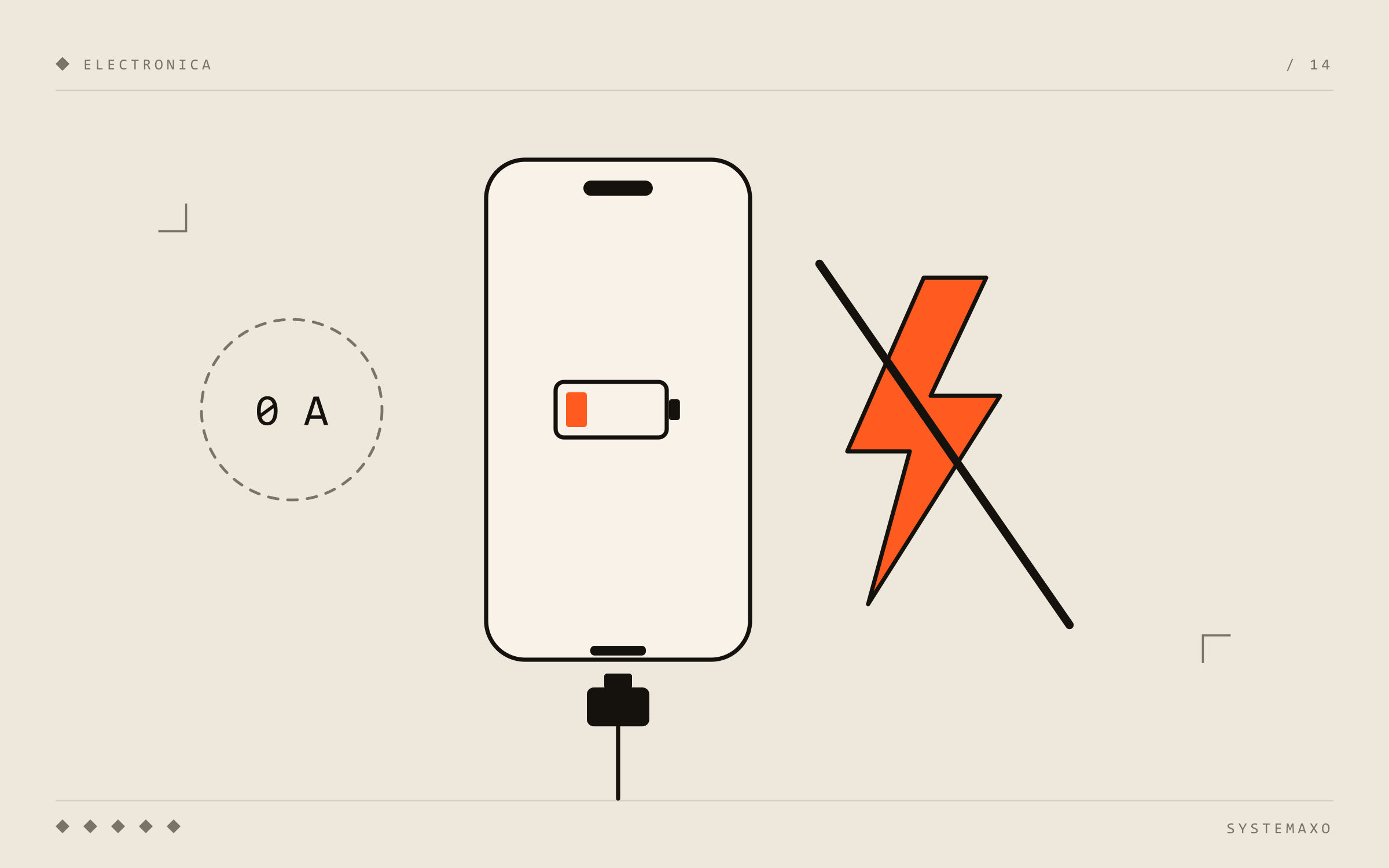
“My phone won’t charge” is probably the fault we see most often. The good news: the cause is often simple and you can check it yourself in five minutes. The less good news: when it isn’t, the problem is usually on the motherboard and needs proper diagnosis with test equipment.
Let’s go from simplest to most complex. Follow the order — that way you rule out the cheap stuff before thinking about the expensive stuff.
1. The cable and the charger
Obvious, but it’s cause number one. Cables break internally, especially near the ends, even if they look perfect on the outside.
What to try:
- Use a different cable and charger that you know work with another phone.
- Try a different socket, or a computer’s USB port.
- If it charges with another cable, you’re done: the phone was never the problem.
A warning: very cheap or unbranded chargers can deliver voltage spikes that damage the phone’s charging circuit. If your phone stopped charging right after using a no-name charger, tell the technician — it’s an important clue.
2. Dirt in the charging port
The second most common cause, and the easiest to fix. The port collects pocket lint that gets compacted every time you plug the cable in, until the cable no longer goes all the way in and doesn’t make contact.
Symptoms: the cable goes in “less” than before, doesn’t click, or only charges if you hold it at an angle.
What to try: with the phone switched off and good light, look inside the port. If you see lint, carefully remove it with a wooden or plastic toothpick. Don’t use anything metal (needles, paper clips): you can short or bend the pins. And don’t blow into it — moisture doesn’t help.
If nothing changes after cleaning, or the port looks green or has white residue, there may be corrosion.
3. Damaged or worn charging port
Ports wear out with use, bend when the cable gets yanked, or corrode with moisture. On many phones the port sits on a daughterboard or flex cable that is replaced as a unit; on others it is soldered straight onto the motherboard and must be desoldered and replaced.
Symptoms: charges on and off, the cable wobbles, the phone keeps connecting and disconnecting.
This is a common repair and, on most models, an affordable one.
4. Software and settings
Less common, but worth ruling out:
- Restart the phone. Really — the charging management sometimes gets stuck.
- Optimised charging: iPhones and many Androids pause charging at 80% to protect the battery. If it always stops at 80%, that’s probably it, not a fault.
- Temperature: if the phone is very hot (in the sun, gaming while charging), it stops charging to protect itself. Let it cool down.
- “Accessory not supported” or “moisture detected in USB port”: the phone has detected something odd in the port. If it’s moisture, turn it off and let it dry — don’t force it.
5. The battery
Lithium batteries lose capacity with charge cycles. A heavily degraded battery can:
- Charge quickly to a certain percentage and then drop suddenly.
- Shut the phone down at 20–30%.
- Refuse to charge if it’s completely drained (deep discharge).
Very important: if the battery is swollen (the screen lifts, the back cover separates), stop using and charging the phone. A swollen battery can catch fire. Take it in for repair without puncturing or pressing it.
On iPhone you can check health under Settings > Battery > Battery Health & Charging. Many Androids have a similar option or a manufacturer diagnostic code.
6. The motherboard: charging IC, protection parts and shorts
If you’ve ruled out everything above — another cable, another charger, a clean port, a healthy battery — the problem is on the board. Typical causes:
- Damaged charging IC, often from a faulty charger or a voltage spike.
- Shorted protection diode or filter on the USB input line.
- Damaged USB controller (on iPhone, the infamous Tristar/Hydra), which stops the phone recognising the charger.
- Corrosion on the board after liquid contact, even if the phone “still works”.
- Short on the battery rail, which prevents charging and usually makes the board heat up.
These faults aren’t visible to the naked eye. To diagnose them we use a USB power meter (which shows how much current the phone accepts), a bench power supply, multimeter, thermal camera and microscope. Once the component is found, it is replaced with micro-soldering.
A rule of thumb: if the USB meter shows 0 A when you plug in the charger, the phone isn’t even “asking” for current (port, charging IC or controller); if it shows abnormally high current with the phone off, there’s a short circuit.
If it’s an iPhone
iPhones have a few quirks:
- “This accessory may not be supported”: usually caused by non-certified cables or a dirty port. If it keeps happening with original cables, it may be a fault in the port or in the charging controller on the board.
- Stops at 80%: that’s iOS optimised charging, not a fault. You can change it in Settings > Battery > Battery Health & Charging.
- Charges on and off or very slowly: very carefully clean the Lightning or USB-C port (phone off, nothing metal) and try an original charger.
- Won’t charge at all and the battery is fine: on iPhones it’s fairly common for the chip that controls the charging port (Tristar or Hydra, depending on the model) to fail, especially after using poor-quality chargers. It’s repaired with micro-soldering.
Summary: what to do, in order
- Try another cable and charger.
- Clean the port carefully with the phone off.
- Restart and check optimised charging settings.
- Check battery health and whether it’s swollen.
- If nothing works, the problem is in the port or the board: it needs diagnosis.
Still not charging?
At Systemaxo we repair phones in Carcaixent, Alzira and all of La Ribera (Valencia), from port replacements to component-level board repair when other shops say the whole board needs replacing. Tell us the model and what’s happening, and we’ll give you a quote before repairing.